
The pantry organizer and AI recipe generator that turns the ingredients you already have into delicious meals. Never wonder "what's for dinner?" again.


A beautiful, intuitive interface that makes cooking enjoyable
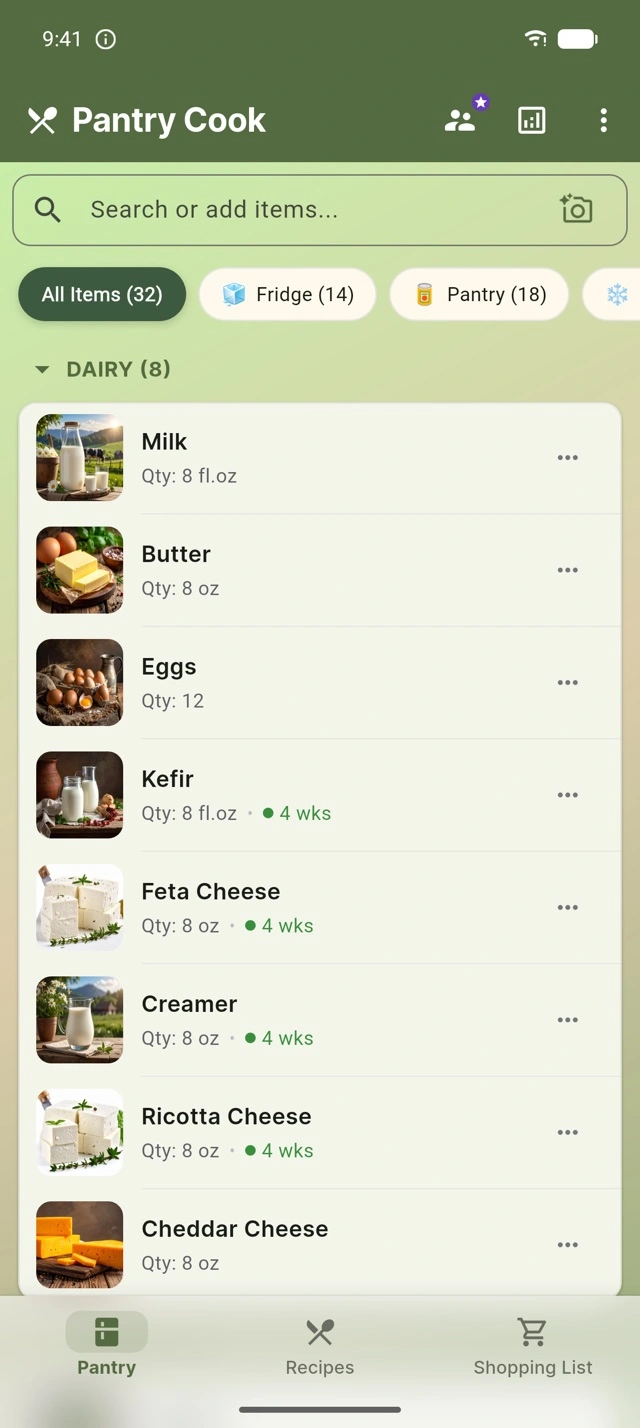
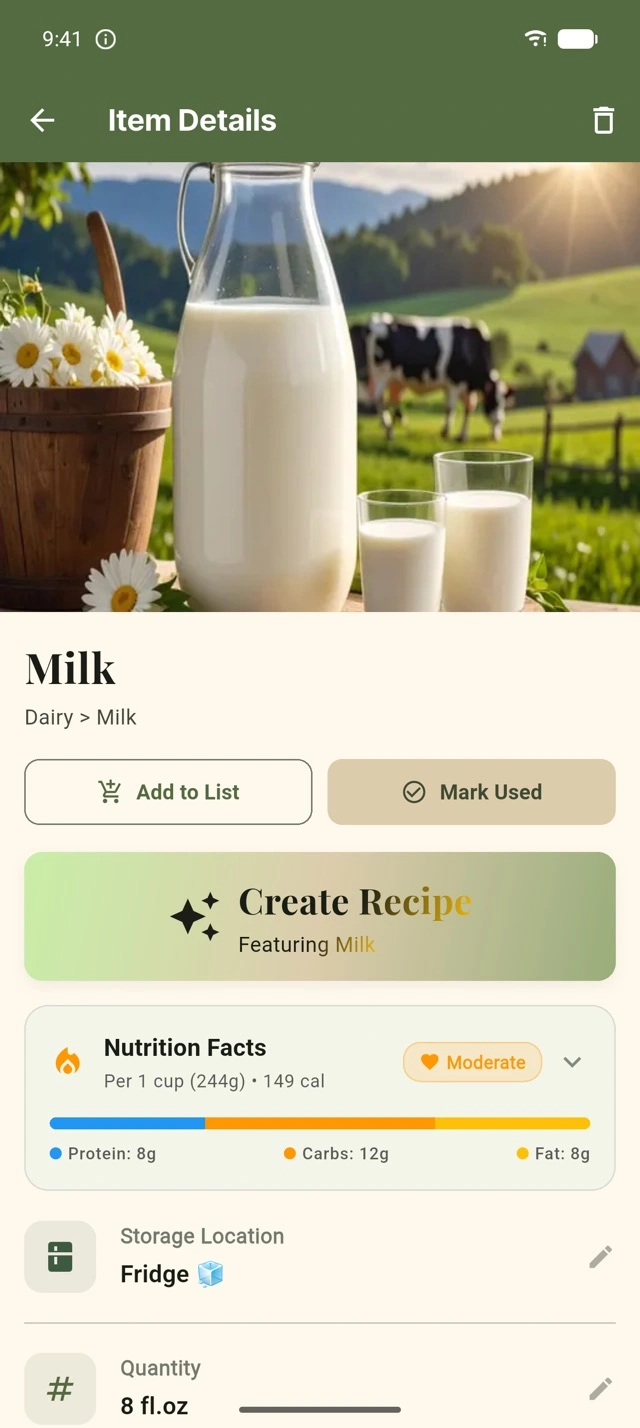
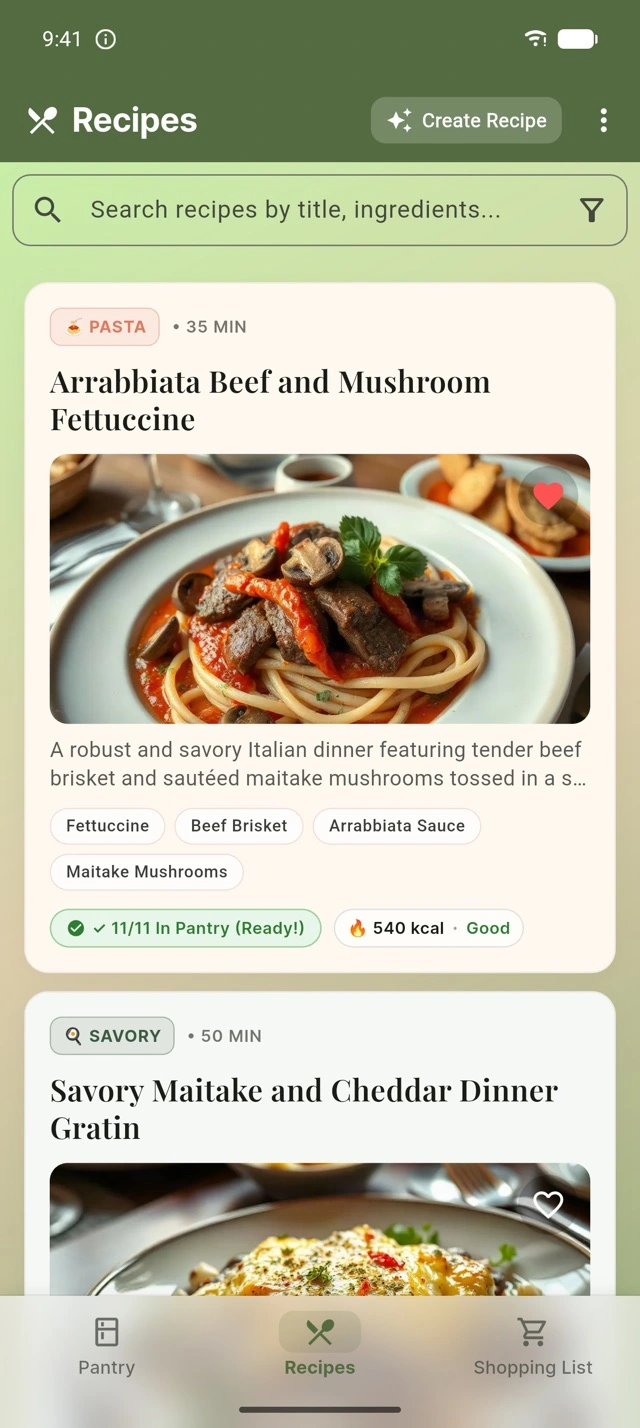
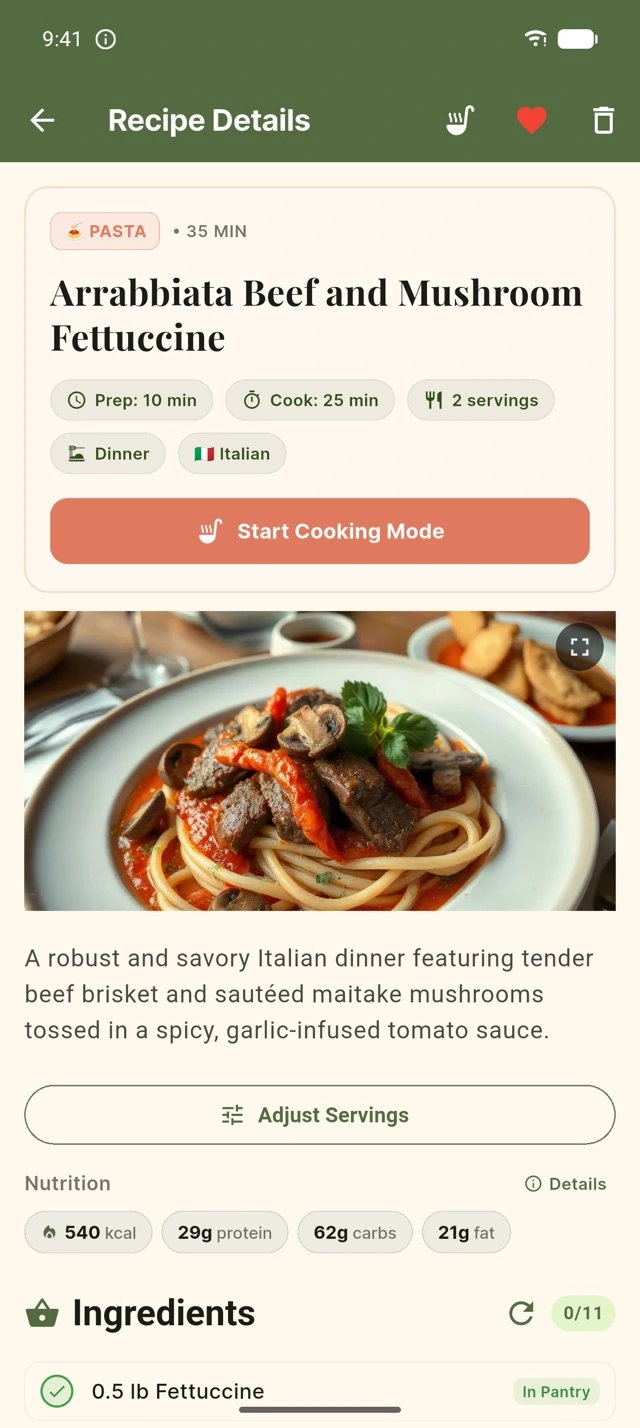
Pantry Cook combines inventory management with AI-powered recipe generation and smart shopping lists to help you make the most of your ingredients.
Get personalized recipe suggestions based on your available ingredients. Our AI creates recipes tailored to what's in your pantry.
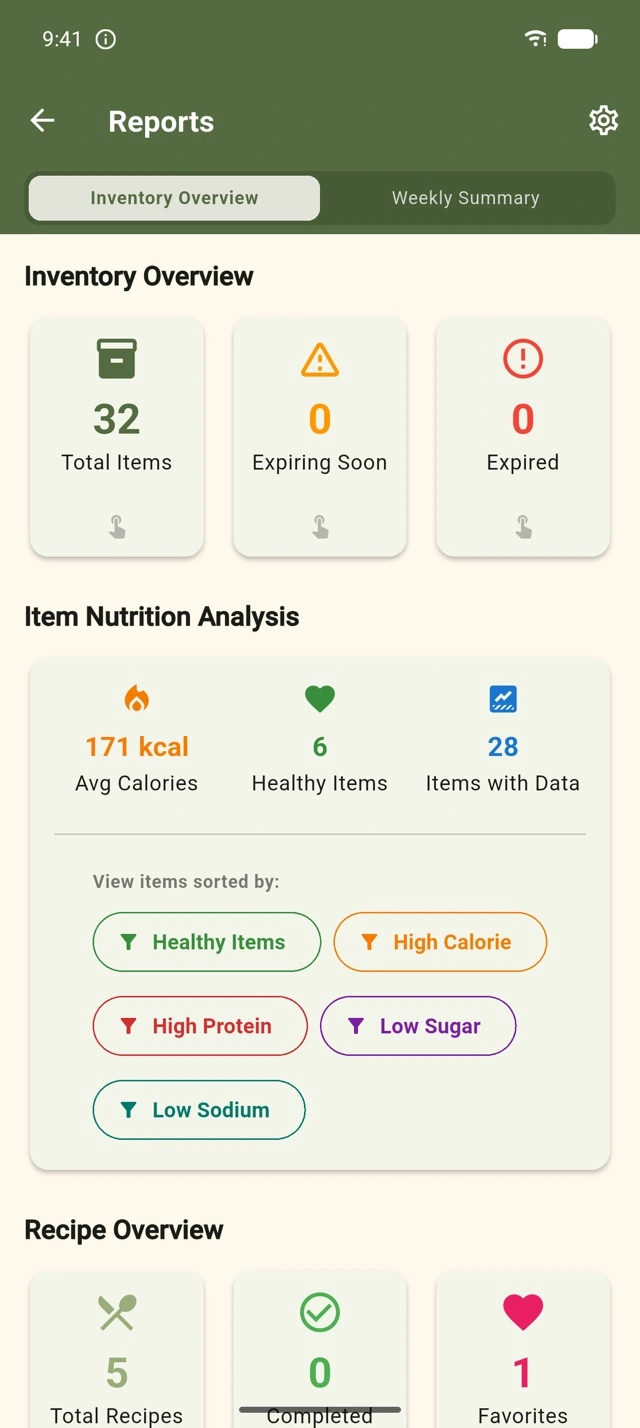
Keep track of all your pantry items and expiration dates. Never buy duplicates or let food go to waste again.
Set dietary restrictions, flavor preferences, and kid-friendly options. Every recipe respects your needs such as allergies, intolerances, and taste preferences.
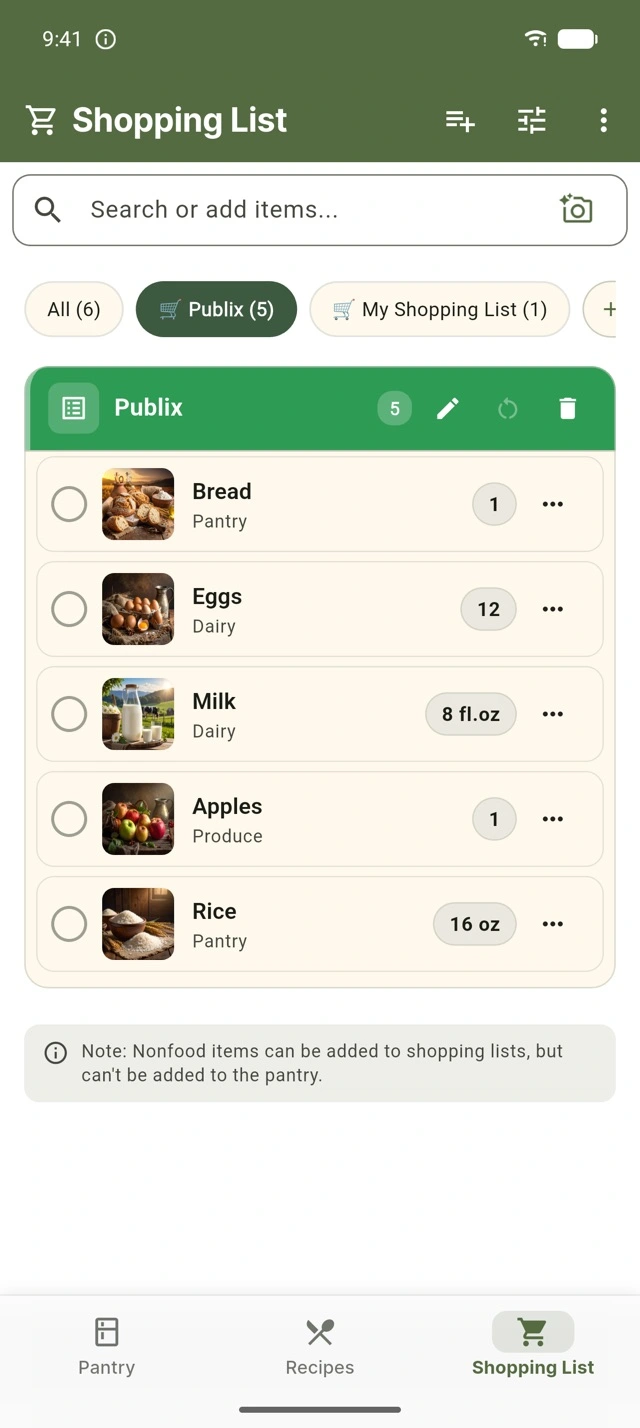
Create a shopping lists that sync with your pantry. Know exactly what you need before heading to the store or know what you have in your pantry when at the store.
Share your pantry and recipes with family members. Collaborate pantry, shopping together and keep everyone on the same page. Available with Family Pro.
Point your camera at your groceries and let AI recognize them for you. Add items to your pantry and shopping lists in seconds, free for all users.
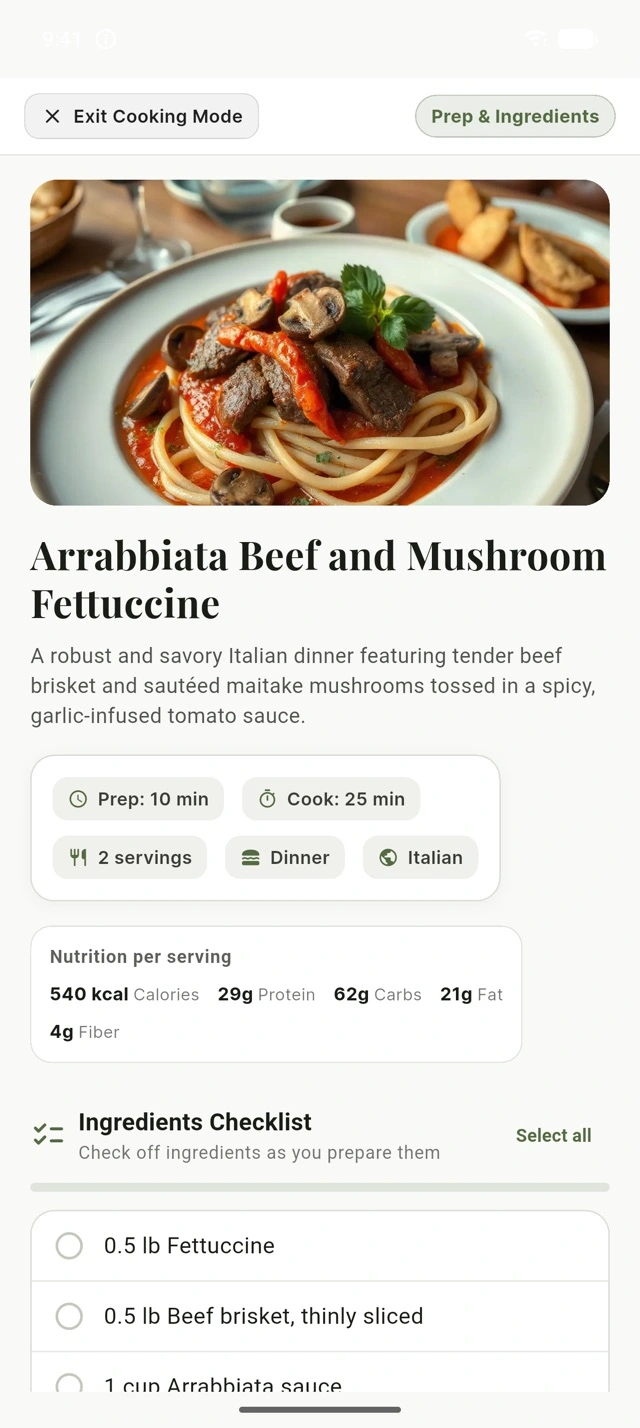
Enter an immersive cooking mode for any recipe and follow along one step at a time, so you can focus on the food instead of your screen.
Use Pantry Cook in English, Arabic, Bulgarian, Chinese, French, German, Japanese, Spanish, or Swedish.
Get cooking in three simple steps
Quickly add items to your pantry inventory via camera, microphone or manual smart suggested items. Track expiration dates, and categories.
Choose dietary restrictions, flavor preferences, and whether you need kid-friendly options.
Our AI analyzes your pantry and preferences to generate personalized recipes you can make right now.
Start for free and upgrade whenever you want more from your pantry.
Free forever
or $19.99 per year
or $29.99 per year
Subscriptions are billed and managed through Google Play or the App Store, and you can cancel anytime.
Answers to the questions we hear most often
No. You can start right away in Guest Mode without signing up, and your pantry, recipes, and shopping lists are saved on your device. When you're ready, create a free account with your email, Google, or Apple ID from Settings and everything you added as a guest moves over automatically. Guest data lives only on your device, so it can be lost if you uninstall the app or switch phones.
Free includes camera scanning, unlimited pantry items, custom recipes, the shopping list, free AI recipe generations each week, and up to 3 AI recipe photos per week. Premium adds high-volume recipe generation, up to 25 recipe photos a day, push notifications before food expires, advanced statistics, and an ad-free experience. Family Pro adds household pantry sharing on top of that. See Pricing for plans and prices.
Coins are a reward for checking in. You earn 5 coins for each daily check-in and a 15 coin bonus when you complete a 7-day streak. Free users can spend 100 coins to reset their weekly recipe generations or 150 coins to reset their weekly recipe photos, instead of waiting for the weekly reset.
Pantry Cook is available in English, Arabic, Bulgarian, Chinese, French, German, Japanese, Spanish, and Swedish.
Tap the camera icon in the pantry search bar to scan a single item, a barcode, a store receipt, or whole pantry, fridge, or freezer shelves to add several items at once. Camera scanning is free for all users. You can also type an item name in the search bar, pick from the suggestions, and set its quantity, category, and expiration date.
Every item is color-coded by freshness: green when it has 8 or more days left, yellow at 3 to 7 days, orange at 1 to 2 days, and red when it expires today or has already expired. AI recipes prioritize ingredients that are expiring soon, and Premium subscribers can turn on push notifications to be alerted before items expire.
Yes, with the Family Pro plan. You can invite up to 2 family members, for 3 people in total, with a QR code or link from Settings > Shared Pantry. Everyone shares the same pantry and shopping lists, changes show up for everyone in real time, and every member gets the paid features. Each person needs an account to join.
Open the Recipes tab and tap Generate Recipe. Choose which pantry ingredients to use, a cuisine, your dietary preferences, and how much time you have, then tap Generate. You get a full recipe with step-by-step instructions and cooking timers.
Yes. Set your preferences in Settings > Profile > My Preferences, with options such as vegetarian, vegan, keto, gluten-free, dairy-free, and nut-free, and recipes will be generated with them in mind. Recipes are AI-generated, so always double-check the ingredients if you have an allergy or intolerance.
Cooking Mode turns any recipe into a distraction-free, step-by-step guide. It keeps your screen awake, gives you an ingredient checklist, shows one step at a time in large text, and has built-in timers for steps that need them. When you mark the recipe as cooked, the ingredients you used are deducted from your pantry.
You can add items by scanning a product with the camera, by searching, by sending a recipe's missing ingredients to the list, or by moving expired and low items over from your pantry. Check items off as you shop, then tap Add All to Pantry to move everything you bought into your pantry.
With a registered account, yes. Changes sync in real time across your phones and tablets, your data is backed up in the cloud, and anything you change while offline syncs once you're back online. In Guest Mode your data stays on your device only.
Subscriptions are managed by the store you purchased from. On iPhone or iPad, open Settings, tap your Apple ID, then Subscriptions, and select Pantry Cook. On Android, open the Google Play Store, tap your profile icon, then Payments & subscriptions, and select Pantry Cook. You keep your paid features until the end of the current billing period. Subscriptions renew automatically unless canceled at least 24 hours before that period ends.
Go to Settings, scroll to the bottom, and tap Delete Account. This is permanent and removes your pantry items, recipes, shopping lists, and cloud backups, which are erased from our servers within 30 days. See our Privacy Policy for more.
We never sell your personal data. Guest data stays on your device. For registered accounts we store your email, display name, and the pantry items, recipes, and shopping lists you back up, along with anonymous crash diagnostics. The full details are in our Privacy Policy.
Email us and we'll get back to you. Including your device model, OS version, and app version helps us assist you faster. You can also report a bug or suggest a feature in the app under Settings > Help and Feedback.